 Français (France)
  Finnish (FI)
  English (United Kingdom)



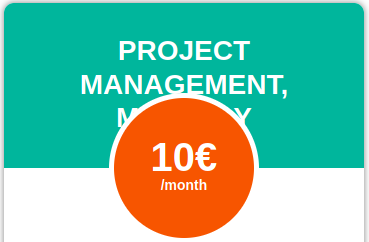
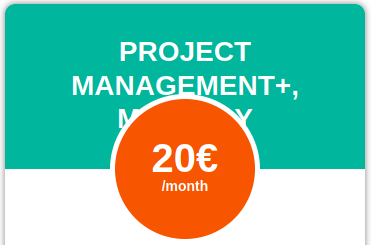



Note that risk management requires MonteCrystal plan.
To create a risk choose 'New risk' from the 'Risks' main menu. You can set following information for each risk:
- Name
- Description
- Probability of occurrence (%)
- Cost impact type (absolute or relative). Absolute impact is added as such to the planned cost of a task or a project. Relative impact is calculated based on the planned cost. For example a risk having a 30% relative impact will increase the task's cost by $300 if its planned cost is $1000.
- Cost impact given as absolute ($) or relative (%) amount depending on the chosen cost impact type
- Duration impact (%), which is always relative
- Other risk impact on a scale of -10 ... +10. Negative numbers reflect negative risks, i.e. an impact where performance is better than planned.
Finally click on the 'Create risk' button.