Français (France)
  Finnish (FI)
  English (United Kingdom)








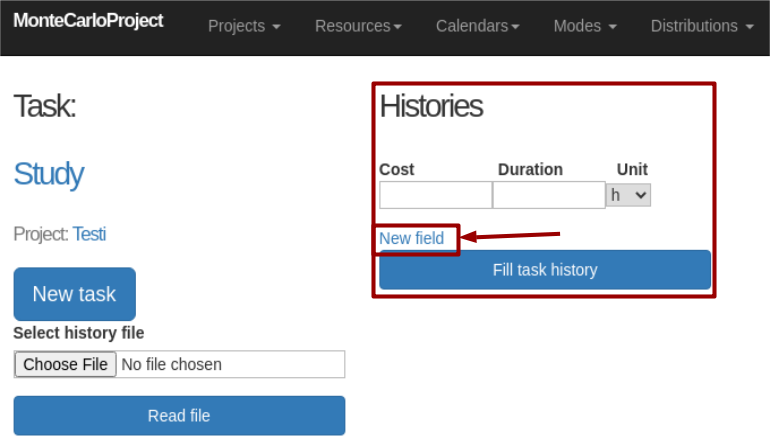
MonteCrystal display allows to read task history data from a file or to set history manually.
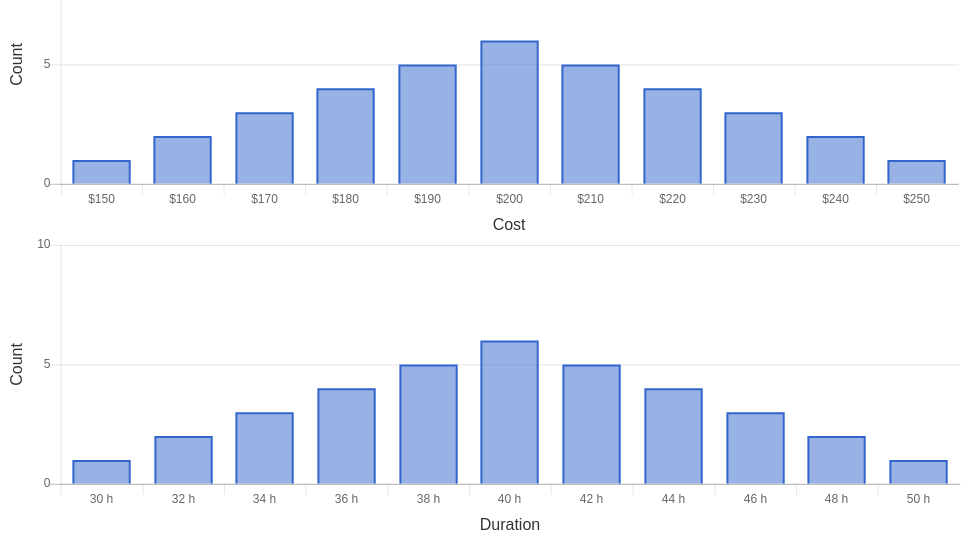
You can set the history record by giving cost and duration as well as the duration unit (h, d, wk). Click on the 'New field' button to add new records. Finally Click on the 'Fill task history' button to save task history and view its distribution as a histogram (see pictures).