Français (France)
  Finnish (FI)
  English (United Kingdom)








MonteCrystal display allows to read task history data from a file or to set history manually.
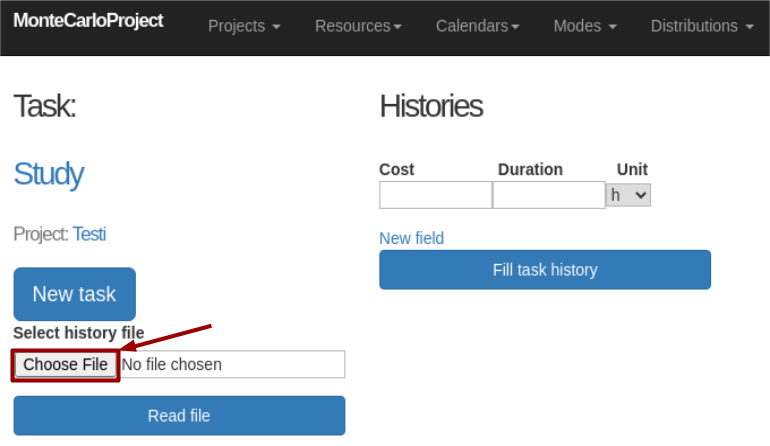
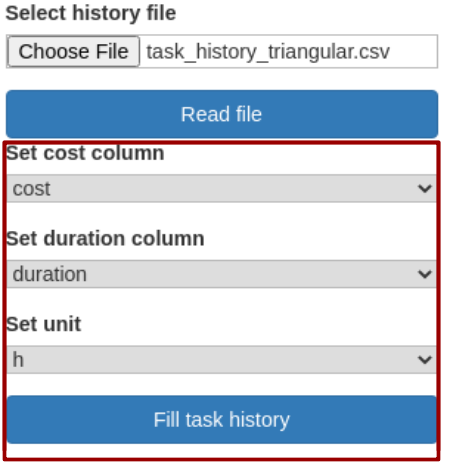
History data can be read either from a csv- or a plain text (txt) file or from an Excel (xls/xlsx) file. Click first on the 'Choose file' button to select file and then on the 'Read file' button. You can then fit cost and duration columns to correspond to columns in chosen file and set duration unit (h, d, wk), see picture.
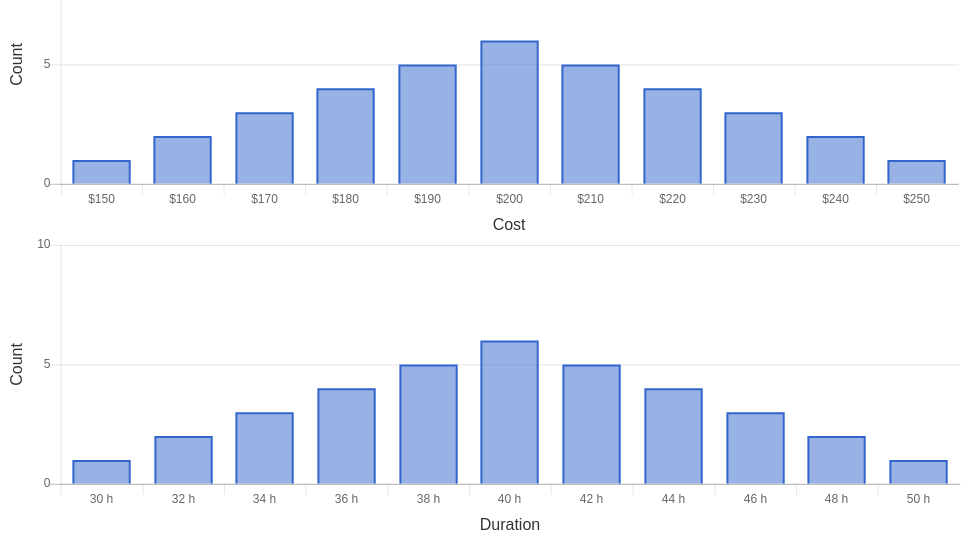
Click on the 'Fill task history' button to save task history and view its distribution as a histogram (see picture).