Français (France)
  Finnish (FI)
  English (United Kingdom)






You can assign resource to a task either in resource or task display.
Assign resource in resource display
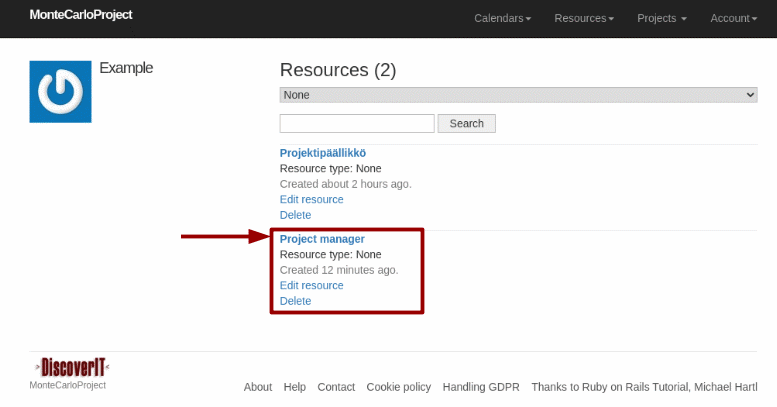
Go to 'Resources' menu, then select 'Resources' and again 'Resources' to open the resource list.
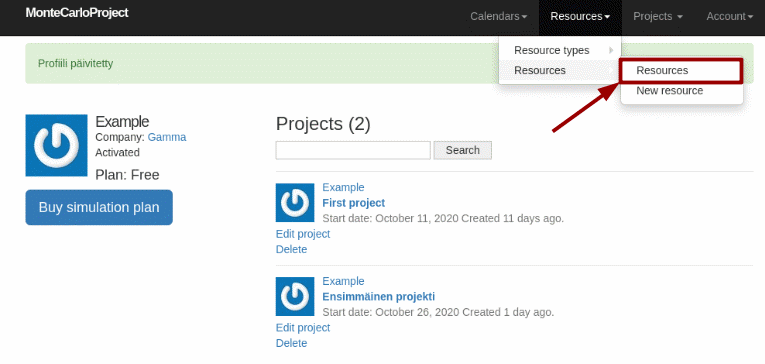
Choose the resource by clicking on the resource name.
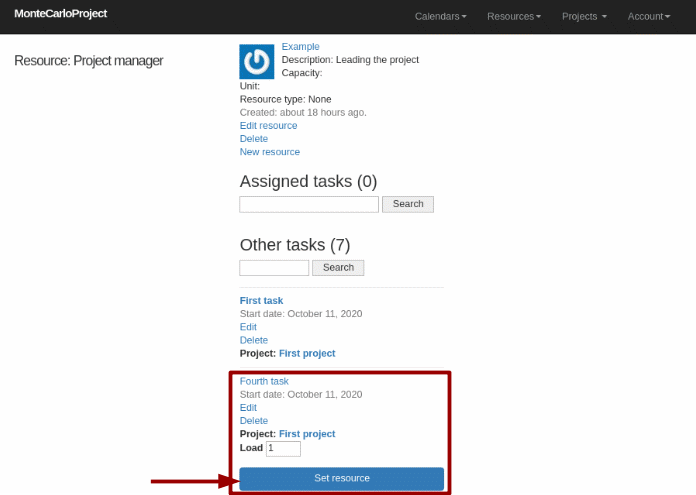
Choose the task in resource display, give the amount of resources to assign in the 'Load' field and click on the 'Set resource' button. Scroll down to see all tasks if needed. Resources cannot be assigned to parent tasks.
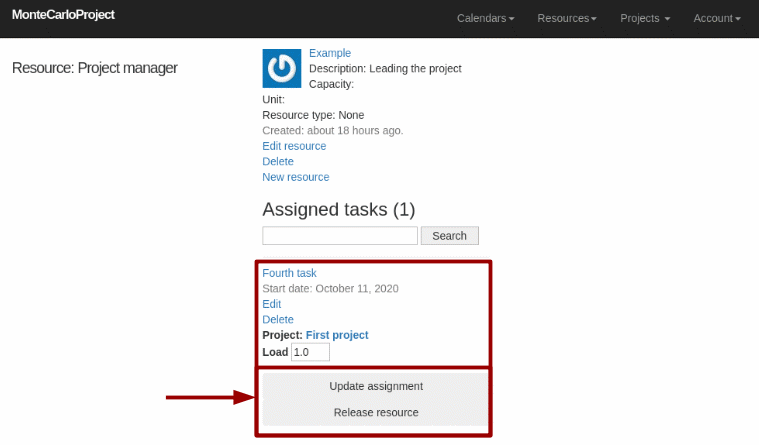
After the assignment the task moves under the assigned tasks section in the top part of the display. You can change the amount of the assigned resource by giving the new amount in the 'Load' field and clicking on the 'Update assignment' button. To release the resource click on the 'Release resource' button. Note that resources can be released only from the tasks that belong to one of logged-in user's own projects.
Assign resource in task display
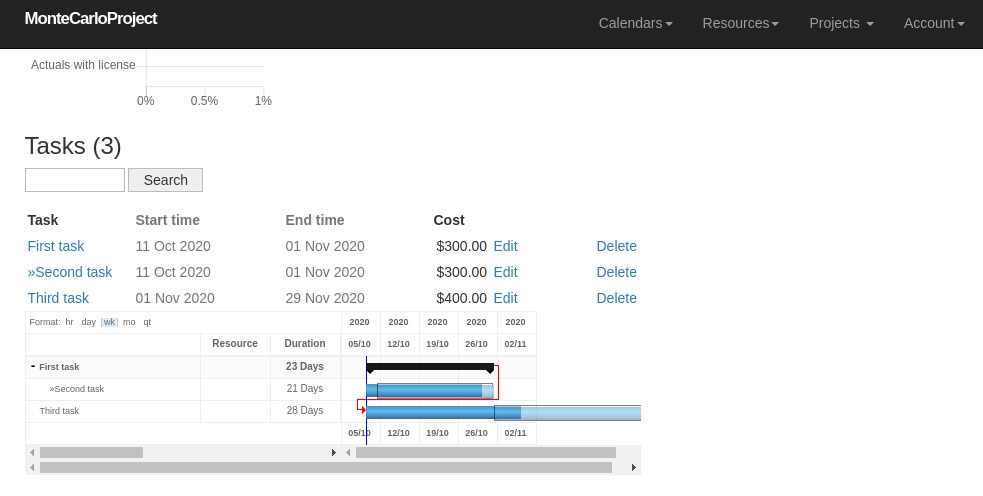
Choose the task in the task table shown in the bottom part of the project display. Scroll the page to see the task table. You can access the task display by clicking on the task name.
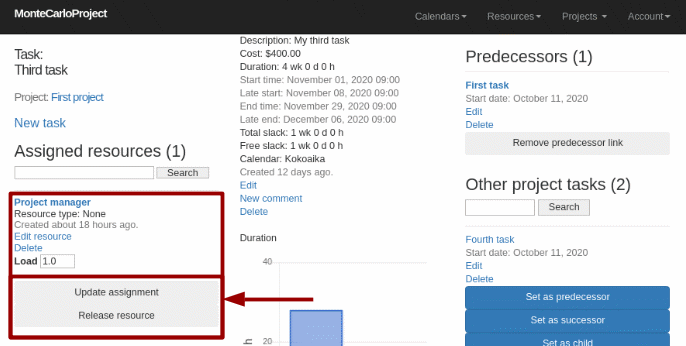
Assigned and other resources are shown in the left hand side of the task display. Give the amount of the resource to assign in the 'Load' field and click on the 'Set resource' button.
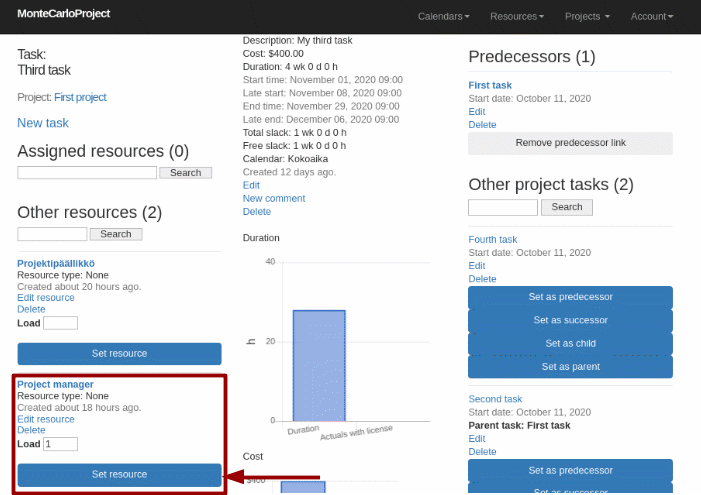
After the assignment the resource moves under the assigned resources section. You can change the amount of the assigned resource by giving the new amount in the 'Load' field and clicking on the 'Update assignment' button. To remove the assignment click on the 'Release resource' button.