 Français (France)
 Finnish (FI)
 English (United Kingdom)






Note that for using the interactive Gantt you need to have the MonteCrystal plan.
First open project list by selecting 'Projects' from the 'Projects' main menu. To view the project click on the project name link.
Scroll down on the left hand side of the screen to find 'Interactive Gantt' button (Picture 1) below the static Gantt chart.
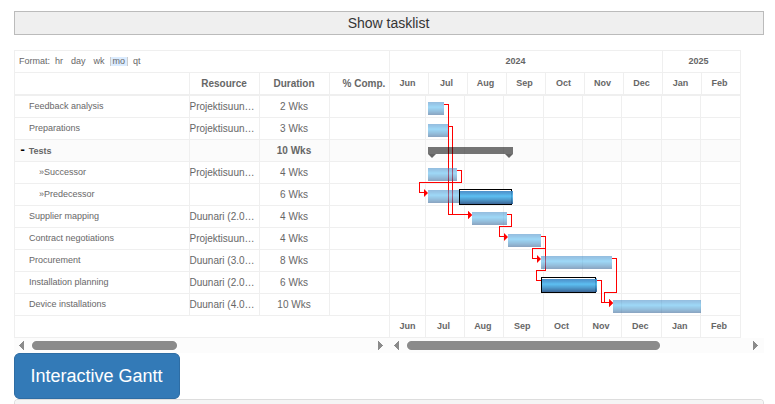
Picture 1. 'Interactive Gantt' button.
Clicking the button takes you to a Gantt view powered by the Bryntum Gantt component, where you can freely move, edit, and add tasks, as well as define the task hierarchy and dependencies between tasks (Picture 2). You can save your changes by clicking the 'Save changes' button at the bottom of the screen.
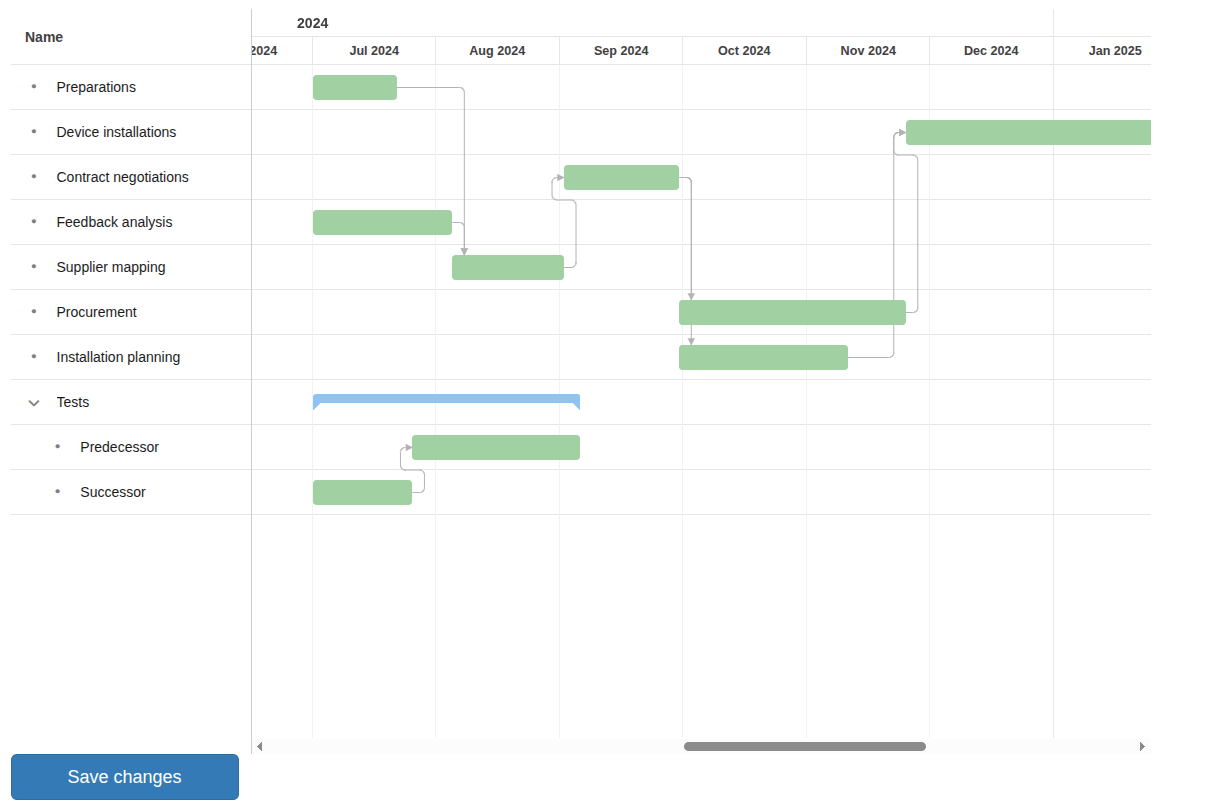
Picture 2. Interactive Gantt view.