Français (France)
  Finnish (FI)
  English (United Kingdom)







After saving task history you can set the distribution type and fit its parameters for project simulation.
Choose the distribution type (Beta, Normal, Triangular, Uniform) and click on the 'Fit parameters' button (see picture).

The fitted distribution is shown both for task cost and duration. History data is shown as histogram and the fitted distribution as a curve (see picture).

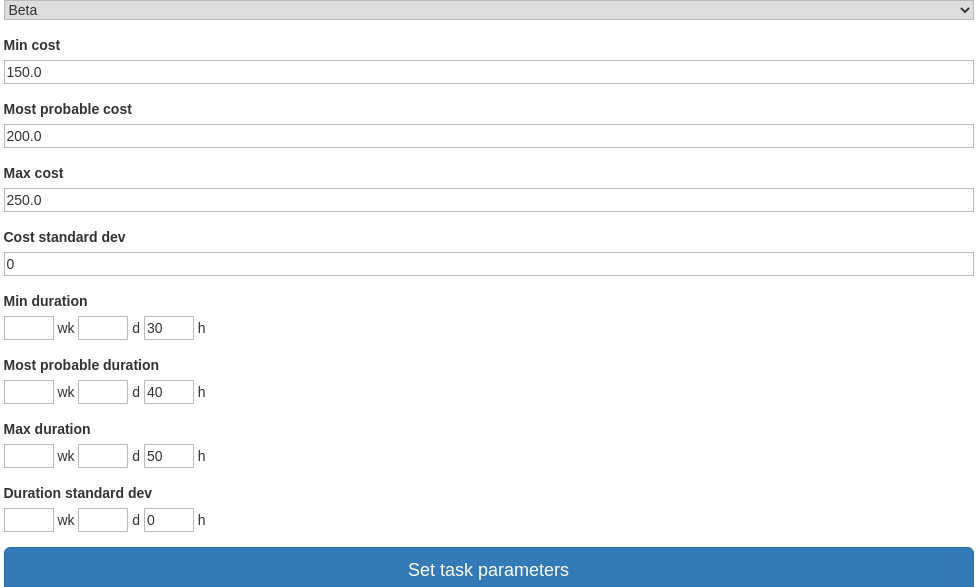
Bottom part of the display shows the chosen distribution and fitted parameters. You can modify all of these before saving them for project simulation. To save distribution and parameters click on the 'Set task parameters' button (see picture).